
People search for a flux ai alternative for practical reasons: cost, access limits, wanting a second opinion on the same prompt, or needing short video as well as stills. Flux from Black Forest Labs is strong on its own. The friction starts when one model isn’t enough for every brief, and you don’t want three subscriptions to prove it.
This isn’t a “Flux clone” roundup. It’s about when a multi-model workspace makes more sense than staying Flux-only — and how Movby.ai fits as one option.
What “FLUX AI alternative” usually means
The phrase covers two different intents:
- Same-style substitute — you want results that feel close to Flux when you can’t use Flux, or you want a cheaper / more available lookalike.
- Multi-model access — you still like Flux, but you also need other generators for text-heavy posters, different aesthetics, face consistency tests, or video.
If you’re in camp one, a dedicated Flux-style tool may be enough. If you’re in camp two, a multi-model AI image generator is the more useful Black Forest Labs Flux alternative: Flux stays in the mix, and you stop juggling tabs.
When Flux alone is enough vs when multi-model helps
Flux alone is often enough when:
- Your look is already dialed in (one aesthetic across a campaign)
- You’re iterating on lighting, composition, and style within that look
- You don’t need video this week
- You’re fine managing rights and billing with one vendor or host
A multi-model setup makes more sense when:
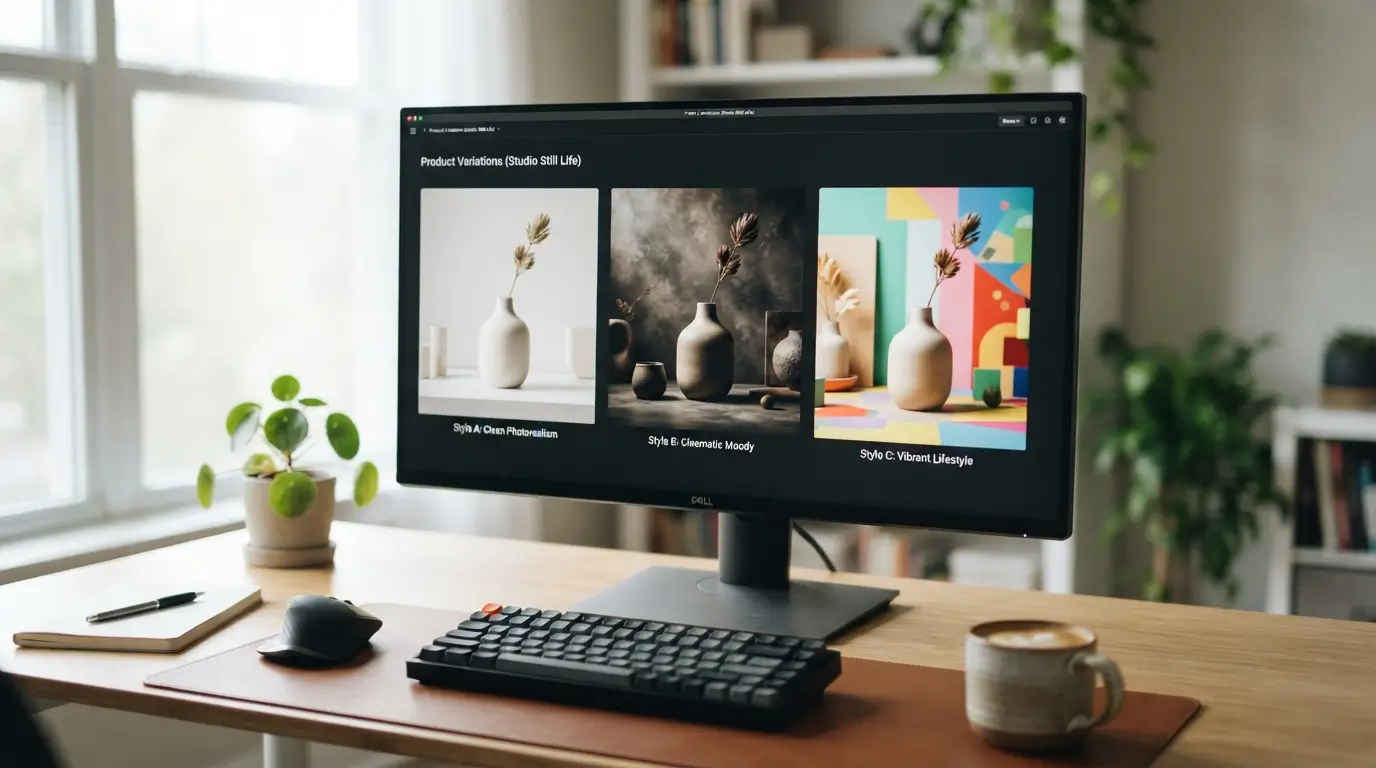
- Style range — the same product needs “editorial photo,” “illustration,” and “ad-clean” variants
- Text in images — logos, packaging lines, or poster type need a second model’s rendering
- Face / character consistency — you want to A/B models on the same reference
- Video needs — stills are only half the deliverable
- Commercial use & budget — you want one credit balance instead of several monthly fees
- Client work — showing two model outputs side by side is faster than explaining why you only tried one
A useful rule: if you regularly regenerate the same prompt “just to see what another model would do,” you’re already paying for a multi-model workflow — in time, if not in money.
What to check in a multi-model tool
Before you switch stacks, sanity-check the basics:
- Model list — image and video if you need both; names should match what you actually get at generate time
- Credit clarity — cost per run, what’s free vs paid, and whether unused credits expire (read the live pricing page)
- Commercial rights — free tiers are often personal/non-commercial; paid tiers should say watermark and license rules clearly
- Export quality — resolution, upscale options, and whether free outputs carry watermarks
- Speed — images in tens of seconds vs videos in minutes is normal; model and length change that
- Stability — aggregators add and remove models over time; treat the catalog as living, not permanent
Skip tools that bury rights language or make it hard to see what a generation will cost before you click.
How Movby.ai fits as one option
Movby.ai is an all-in-one online AI image and video generator — an aggregator, not the model vendor. You pick a workflow, choose a model, and spend credits from one account.
Image models available include Google Nano Banana (including Nano Banana 2 / Pro / Lite), OpenAI GPT Image, xAI Grok Imagine, Black Forest Labs Flux / FLUX.2, and ByteDance Seedream.
Video models available include Google Veo 3.1, ByteDance Seedance 2.0, xAI Grok Imagine Video, Kling AI, MiniMax Hailuo, and Runway.
Workflows: text-to-image, image-to-image, image upscale (toward ~4K), text-to-video, and image-to-video. Images often finish in about 10–30 seconds; videos often take about 1–5 minutes depending on model and length.
You can still run Flux / FLUX.2 there and compare it against other options on the same idea via text-to-image without opening a second product. If the brief extends to clips, the same account covers an AI video generator path instead of a new signup.
Limits to know up front: generation is credit-based; free signup includes 30 credits with no card required, but free-plan outputs may have watermarks and are for personal/non-commercial use. Paid options include one-time credit packs and monthly plans; paid tiers are positioned for watermark-free results and commercial use (the Small pack is not for commercial use — check pricing for current pack and plan details). Model availability can change.
That framing matters: Movby isn’t “Flux, but better.” It’s a place to keep Flux in rotation when Flux vs other AI image models is a weekly question, not a one-off.
Flux-only workflow vs multi-model workspace
| Criteria | Flux-only workflow | Multi-model workspace |
|---|---|---|
| Model access | One primary image model / family | Several image models; video models if offered |
| Prompt testing | Iterate inside one look | Same prompt across models for A/B |
| Subscriptions | One vendor (or host) | One account / credit pool across models |
| Style range | Strong if Flux fits the brief | Wider when briefs diverge |
| Video | Separate tool if needed | Same workspace if the platform includes video |
| Rights & billing | Learn one license path | One place for credits; still read each plan’s terms |
| Overhead | Lowest if Flux always wins | Worth it when you switch models often |
Neither column is “correct.” Match the column to how often your deliverables change.
FAQ
Is there a FLUX AI alternative that still includes Flux?
Yes. Some multi-model tools host Black Forest Labs Flux / FLUX.2 alongside other image models, so you can keep Flux when it wins and switch when it doesn’t — without a second subscription for every test.
When should I stay with Flux instead of switching tools?
Stay if your style is consistent, you don’t need video soon, and one billing relationship is simpler than comparing models. Switch (or add a multi-model workspace) when you’re already bouncing between apps for text, faces, or alternate aesthetics.
Does a multi-model AI image generator replace learning prompts?
No. Prompts still matter. The gain is speed: you spend credits comparing outputs on one prompt instead of rewriting the same brief in three UIs.
Can I use free credits for client work?
On Movby.ai, free-plan use is personal/non-commercial and may include watermarks. For client or commercial work, use a paid tier that allows commercial use and confirm details on the pricing page before delivery.
Try two models on one prompt
If you’re evaluating a flux ai alternative for real work, keep the test small: one prompt, two or three models, same aspect ratio. Note which one wins for style, text, and editability — then decide whether Flux-only still covers the week.
Movby.ai gives new accounts 30 free credits to run that comparison without a card. Use them to see whether multi-model access actually changes your process, not to collect another unused login.